Digital Issuance
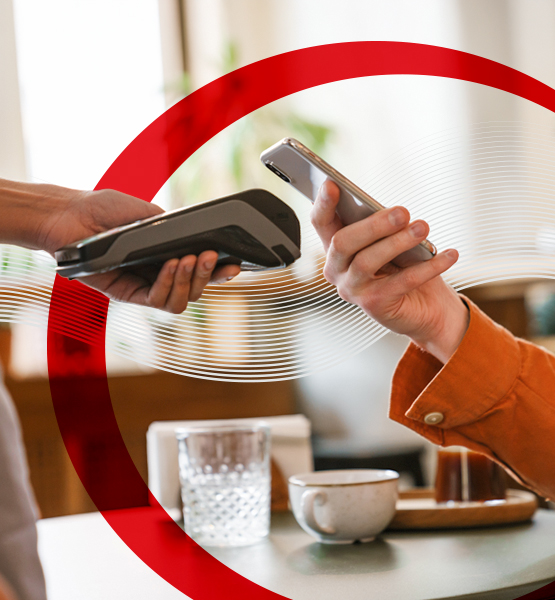
You shouldn't have to wait for your new card to arrive in the mail. With Digital Issuance, you can add your debit or HSA card to your phone’s digital wallet within minutes.
This new feature gives you faster access to your debit or HSA card, so you can start spending without the wait.
How Digital Issuance Helps You


Start spending sooner.
Use your card within minutes instead of waiting days.

Stay on track after a lost card.
Keep your everyday purchases moving without missing a beat.
Pay with confidence.
Tap to pay securely with the digital wallet you already know and use.
Getting started is easy!
Adding your debit or HSA card to mobile wallet is quick and simple:
New Debit or HSA Cardholders:
New Debit or HSA Cardholders:
- Tap your personalized link sent via text
- Follow the steps to add to your debit or HSA card to your digital wallet
- Once added, you can use your phone to pay anywhere mobile wallets are excepted.
Existing Debit or HSA Cardholders:
- Open the Capital Credit Union App and tap MyCards from the main menu.
- Add your card to Apple Pay™ or Google Wallet™.
- Follow the wallet specific prompts.
- Capital CU will send you a text when the card is ready for use.
That's it. In just a few taps, your card is ready to go wherever life takes you.
Setting up a recurring payment? Please wait until you received and activated your physical card to set up any recurring payments.
Questions? We're Here to Help.




Apple Pay is a registered trademark of Apple Inc. Google Pay is a trademark of Google LLC. Samsung Pay is a registered trademark of Samsung Electronics Co., Ltd.